Uber Driver Support in 2026: What to Do When You Can't Reach a Person
6 min read · Updated November 2026
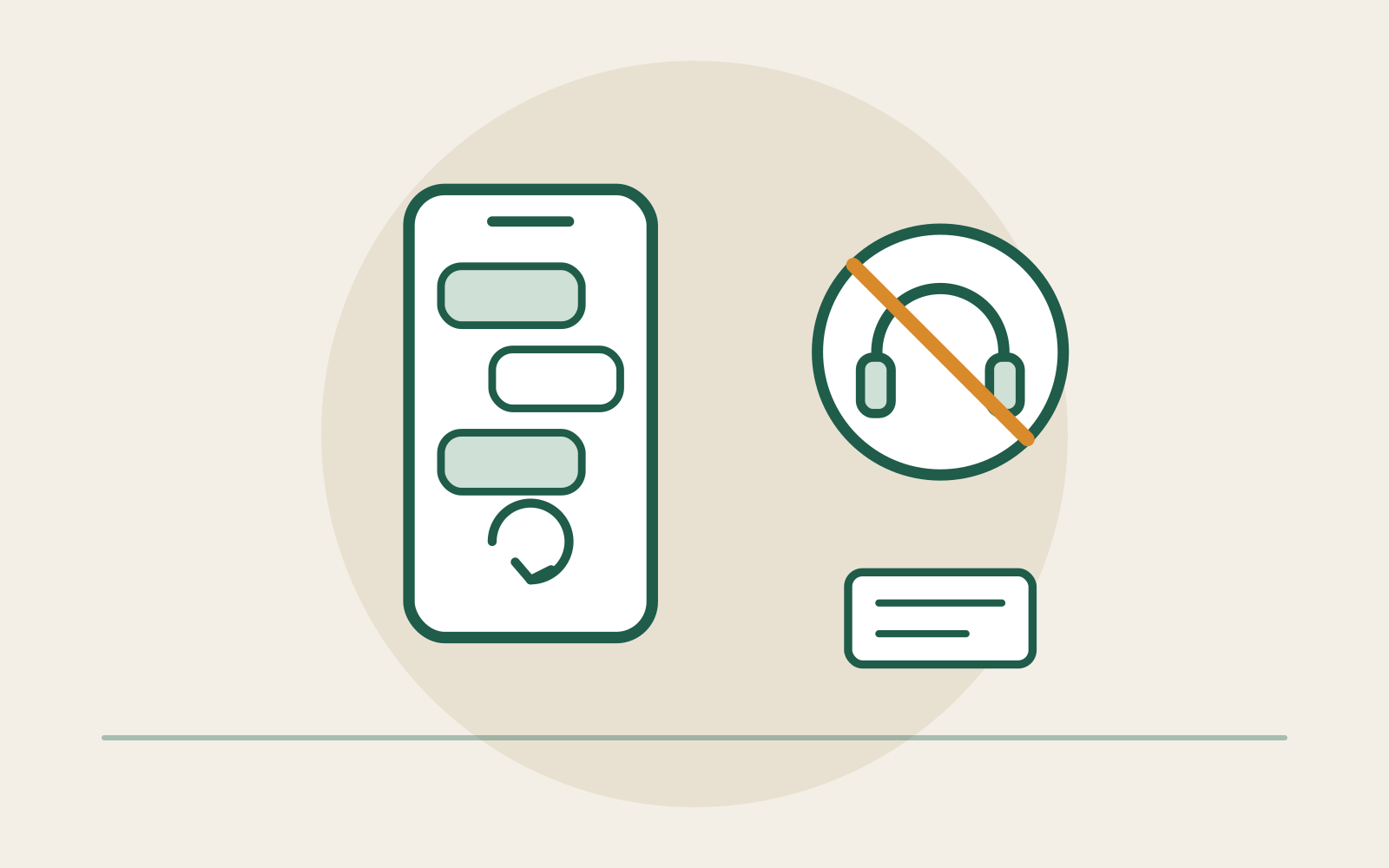
Reaching a person at Uber for a routine problem can be hard, and the options in your app may not include one. We checked a US driver account with the account holder's consent. In that account, Contact us opened an AI chat, not a phone call. That screen had no button to call or message a person. Uber's public phone-support page says the options depend on the issue. So the website can't tell you which support options your own account will show.
Check the support options you can actually see
Open Help in your Uber Driver app while parked. Choose the topic that fits your problem and look for the contact choices shown for it. The menu can differ from the steps on Uber's public help pages.
Uber says phone support may appear for some issue types. Its US phone-support page says, "If phone support is available for your issue type, tap Call Support." That's a condition, not a universal phone number. If there's no Call Support button, we don't know of a verified workaround that makes it appear.
In the account we checked, Help opened an All categories grid. Contact us opened an AI chat that offered three set choices. Your menu may differ by issue or account, so don't assume a phone or human-chat button exists.
The app observations come from one US driver account, checked with the account holder's consent. They are not proof that every account shows the same menu. Driver reports are examples, not estimates of how often problems happen.
If AI chat goes in circles
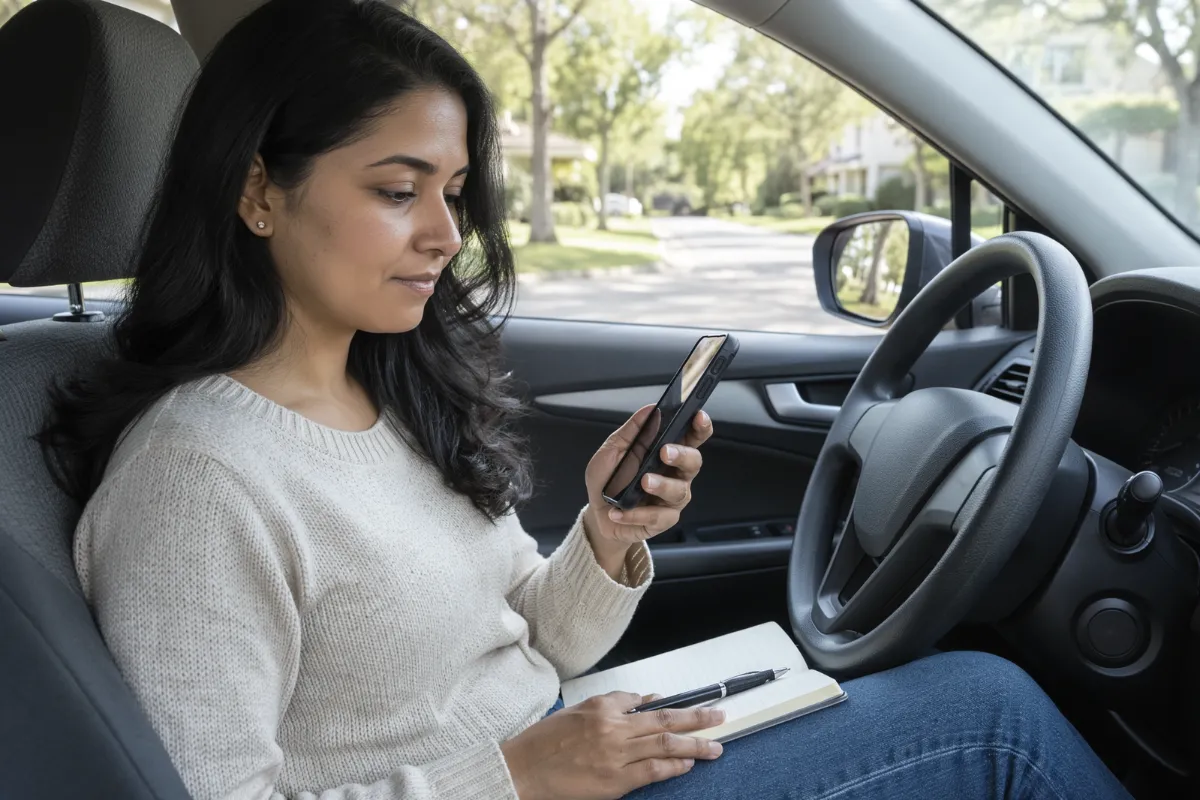
Explain the problem in one plain message. Include the issue type, date, what went wrong, and what you want reviewed. Ask whether a human or another review channel is available. You can ask once more if the response misses the point, but we can't promise that saying "agent" or "supervisor" unlocks a person.
If the AI chat sends you back to the same answer, you may have reached the end of the support choices shown to you. Say that clearly in your own notes. Don't spend hours searching for a secret phone number on unrelated sites.
Record any case number or reference that the app provides. Save the reply, the date, and a short timeline. Keep screenshots private if they include account or rider information. For a fare problem, compare the app's trip detail with your records. If you have a formal appeal or review deadline, follow the instructions on your notice rather than waiting indefinitely for chat.
Uber promises agents. Drivers may get a bot.
Uber's US phone-support page uses "Call Uber Support 24/7" as its title when the link is shared. The page itself says, "We're just a phone call away." But its own steps make phone support depend on your issue type.
Uber's Help Center article on contacting support goes further. It says the contact option lets you reach Uber by chat, messaging or phone, and that you'll be sent to an agent suited to your issue. In the account we checked, Contact us opened an AI chat instead.
At least one other driver has raised the same worry in public. In a July 2026 online driver discussion titled "Where is support? Did they entirely replace it with AI?", a driver said they weren't paid for a stop. This is one account, not a measure of how often support fails. We don't have reliable figures for how many drivers can reach an agent. When the options shown don't help, that gap is real for the driver who needs help.
Safety incidents and crashes have a separate route
If there is immediate danger or a medical emergency, call 911 first. Uber documents a Safety Incident Reporting Line for safety-related issues. Its accident guide says the line connects drivers with trained support staff.
For an accident, get to a safe place, seek emergency help if needed, and use Uber's official crash-reporting process. You can read our accident checklist before contacting Uber. The Safety Incident Reporting Line is not a back door for a routine fare complaint, document delay or general account question.
To report a crash, Uber's accident guide calls the Driver app the easiest route. It says to tap the blue shield at the lower left of the map to open the Safety Toolkit, then pick Report a crash and send your report.
To talk with Uber's safety staff, the same guide says to open Help, then Safety, then Safety Incident Reporting Line. The account we checked showed Safety in the Help categories. We haven't confirmed the other steps in that account, so follow the safety options your own app shows.
Greenlight Hubs are not a support option right now
Greenlight Hubs are closed in the United States and are no longer a way for US drivers to get in-person support. In the driver account we checked, there was no way to book a visit. Uber's AI assistant also said there are no Greenlight Hubs in the US or Canada. That's an answer from an AI assistant, not an official closure notice, but it matches the missing booking option.
Uber's own website hasn't caught up. Its US driver contact page still says some cities may offer in-person help at a Greenlight location. It tells drivers to go to Help, then Book an in person appointment. That option did not appear in the app we checked. The page's Book an appointment button opens the general Help Center, not a booking form. Uber's separate Greenlight Help page also still talks about booking an appointment.
Hub closures aren't new. In May 2020, Uber announced that it would permanently close 180 Greenlight Hubs to cut costs, as Gridwise reported at the time.
Don't plan around a hub visit. Don't travel to an old map listing, and don't pay anyone who says they can book an appointment for you.
What to do if your case stays unresolved
Keep one short timeline: when the problem started, the exact error, the steps you tried, the replies you received, and any case numbers. Use the specific official review or appeal route offered for that problem. If a deadline applies, treat it as real even when support hasn't answered.
For account-deactivation concerns, see our guide to preserving evidence and responding to notices. For an earnings dispute, save the trip and payout details instead of relying on memory. Don't share your password, sign-in code or sensitive records with a stranger promising insider support.
If your account only shows an AI chat that can't solve the problem, you may have no clear route to a person for that issue. We won't invent a shortcut. Keep a record, use any official case-specific review route and protect your appeal deadlines.
FAQ
- Can I call a human at Uber driver support?
- It depends on the issue. Uber says a Call Support button appears only for certain issue types. If your account offers no phone option, we have no verified universal number that bypasses that limit.
- Does asking the AI chat for a supervisor work?
- You can ask, but we have no verified method that guarantees a transfer to a human.
- Can I use the safety line about unpaid fares?
- No. Uber reserves that line for safety-related help. Use the official fare or account support route for a routine dispute.
- Can I visit a Greenlight Hub?
- No. Greenlight Hubs are closed in the US. The app we checked offered no way to book. Uber's AI assistant said there are no hubs in the US or Canada, even though Uber's website still carries booking instructions.
Sources and further reading
- Uber: Call Uber Support (US)
- Uber Help: How to contact Uber Support
- Uber: Drivers: How to Get Help (US) (still lists Greenlight booking steps)
- Uber Help: I need to visit a Greenlight Hub
- Uber Help: Safety Incident
- Uber Help: What to do after a car accident
- Gridwise: Uber has permanently closed 40% of its Greenlight hubs (May 19, 2020)
Related reading
Uber or Lyft Deactivation Appeal: Evidence and Next Steps
A passenger complaint can put your account access at risk. Here's how to preserve evidence, use the available review process, and respond with facts.
Protect your account if a notice arrives
What to Do Immediately After an Accident While Driving Rideshare
Handle injuries and immediate hazards first. Then document the crash, notify the appropriate insurers and platform, and preserve the app and coverage records.
What to do first after a crash
What to Do When a Rideshare Passenger Makes You Feel Unsafe
Get to safety, get help if you need it, and make a factual report when you can.
Get to safety and report an unsafe rider